


Smart Group Maker | Top Page


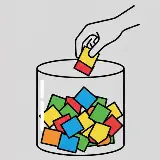
- A "fair and square" shuffle based on pure luck.
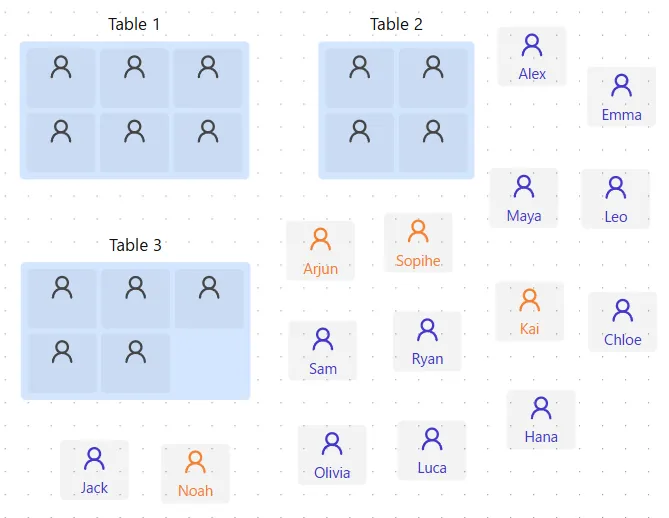
- Visualize your groups on a 2D canvas to match your room's layout.
- Drag and position groups freely, just like arranging tables in a hall.

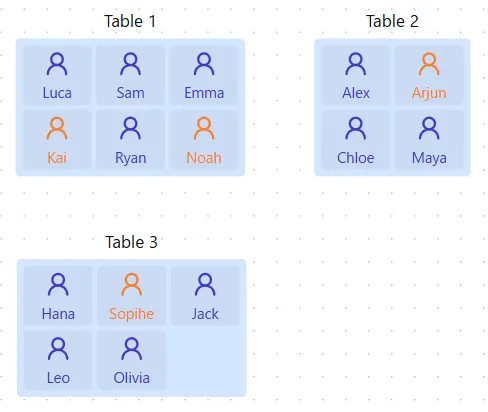
- Pin specific people to a chosen group before the rest are randomized.
- Great for seating a guest of honor, assigning a facilitator, or pairing support with someone who needs it.
- Fixed members stay put — everyone else shuffles around them.
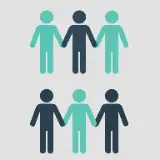
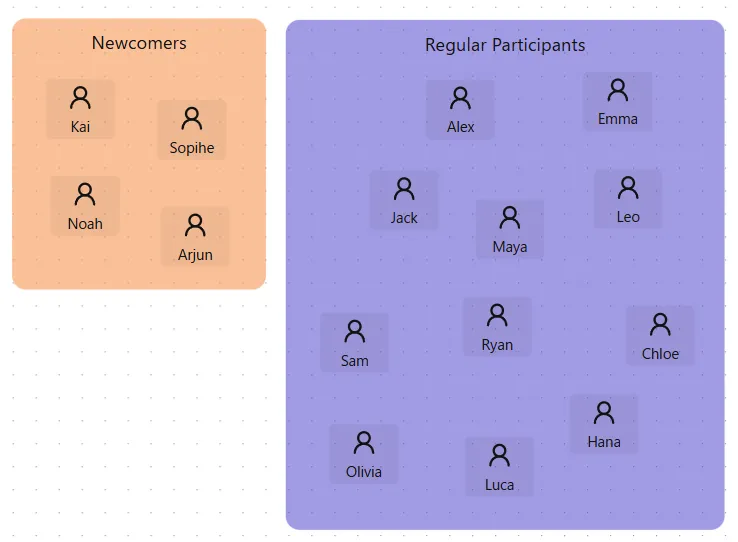
- Balance groups using two distinct types of an attribute.
- Manage and assign attributes visually on the 2D canvas.
- Ideal for cases with a simple "A" or "B" classification of members.
Arrange members and groups freely on an interactive 2D canvas. Organize everyone intuitively and visually with simple drag-and-drop. When it helps, you can even match the layout to your actual room or floor plan.
Prefer working with rows and columns? Switch to a spreadsheet-style table for fast bulk editing, sorting, and reviewing group assignments at a glance.
Even with a large number of members, split everyone into fair, evenly sized groups in a single click — no setup required when all you need is a quick, unbiased shuffle.
Go beyond pure randomness. Sort members by attributes or categories — like gender or skill level — to group similar people together, or deliberately spread them apart for balanced, diverse teams every time.
Set specific pairs of members to be kept together or apart. This feature is useful when you need to take interpersonal relationships or other factors into account.
Add dozens of members at once by pasting a list or importing data, instead of typing names in one by one.
Lock specific people into a chosen group or seat before shuffling — perfect for guests of honor, facilitators, or reserved seating that shouldn't be left to chance.
No grouping algorithm gets everything right. Fine-tune the results afterward by hand, and reset to the original output anytime.
Save your canvas layout as an image to print or share, or export table results as a CSV file for use in spreadsheets and other tools.
Save your members and group setup to a file, then import it later to pick up right where you left off or reuse it for your next session.
- Grouping for classroom activities, experiments, or research projects
- Balanced teams that factor in academics, personality, and other traits
- Placing a mentor or high-achieving student in each group
- Grouping for training sessions, workshops, and team-building exercises
- Assigning shifts, duty rosters, or task responsibilities
- Placing one facilitator in each group
- Assigning table seating or forming groups for icebreaker games
- Reserving a fixed seat for a guest of honor or host
- Spreading out friends so new people can mingle more easily
- Matching up teams for practice games, recitals, or competitions
- Building teams with evenly matched skill levels
- Spreading experienced members and beginners across teams
- Organizing work crews or duty rosters for cleanups, festivals, and events
- Assigning experienced members or coordinators to each group
- Reserving seats in advance for participants who need accommodations